Edit and Lineage
Saved outfits in Studio are not static. You can edit them, clone them, and track their relationships over time. This page covers all three.
Editing a Saved Outfit
Every outfit you own has an Edit action on its detail page.
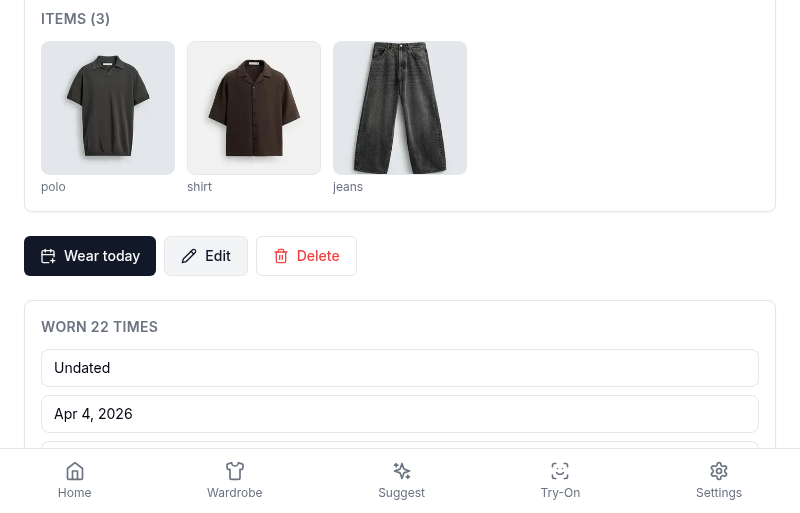
Clicking Edit opens Studio with the outfit’s current state pre-loaded: items in their slots, name, occasion, notes. From there, editing works exactly like building new. Swap items, change the name, update the occasion, save.
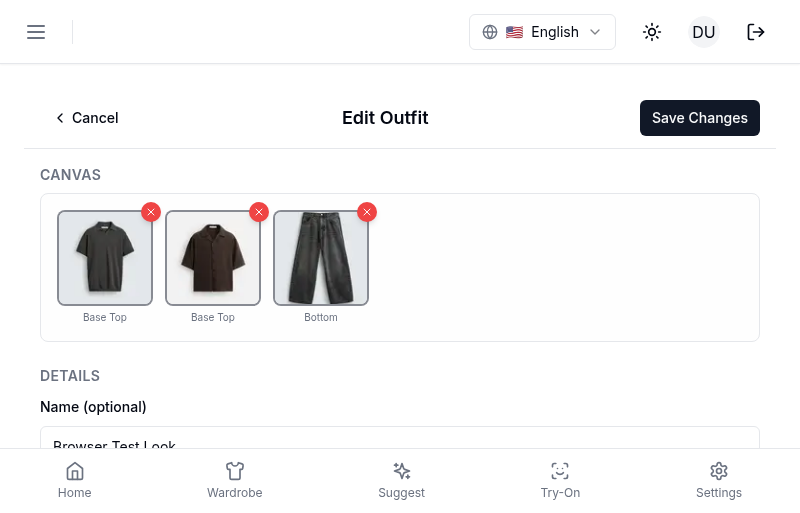
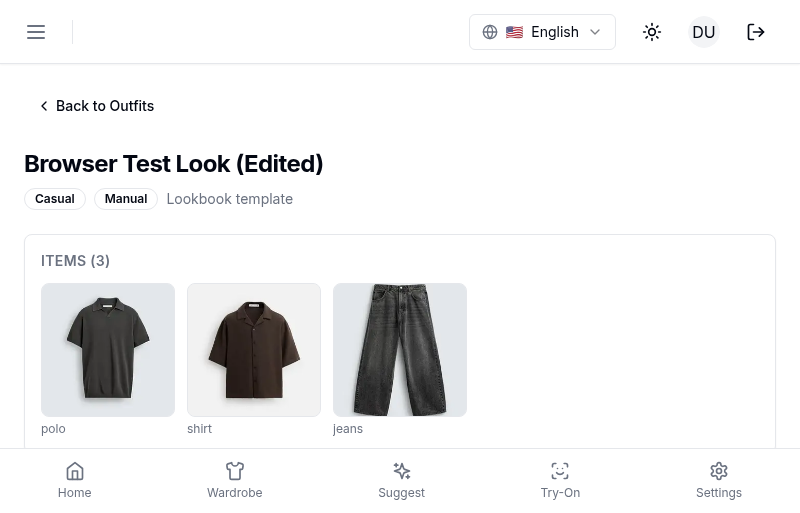
On save, the original outfit is updated in place. Its ID doesn’t change, so any existing links, wear history, and references stay intact.
The Worn-Immutable Rule
Once you mark an outfit as worn, you cannot edit it. This rule exists because wear records are supposed to reflect what you actually put on your body. If you could change the items of a worn outfit after the fact, your history would drift from reality and the learning engine would lose the signal from that wear.
What happens when you try to edit a worn outfit:
- On the outfit detail page, the Edit button is disabled and a note explains why.
- If you click Edit anyway (say, from a stale link), Studio loads in a blocked state and shows the recovery options.
- If you were already editing when the wear happened (someone on another device marked it worn), save returns a 409 conflict. Studio catches the conflict, explains what happened, and gives you a choice.
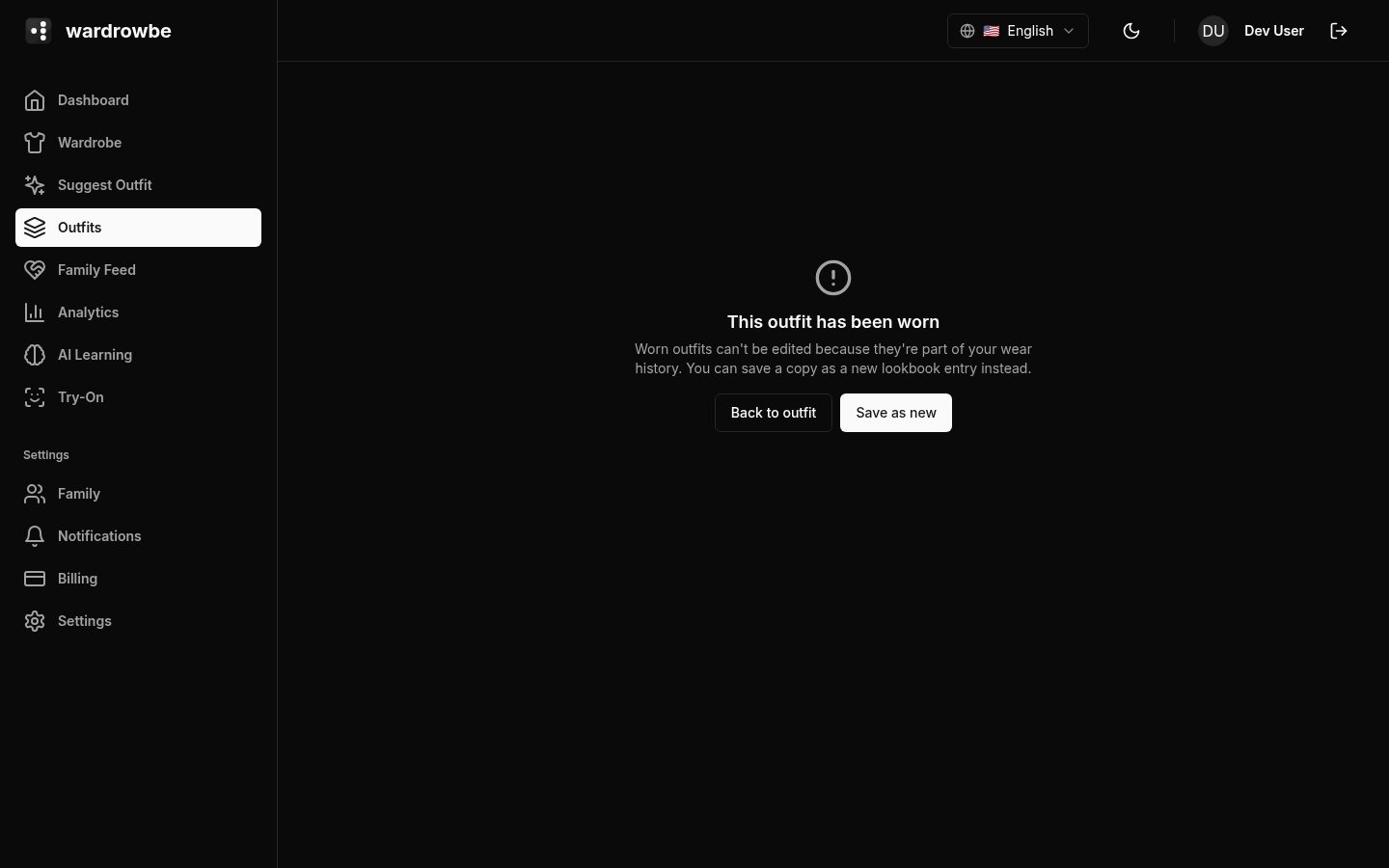
Your options in all three cases are the same:
- Clone and edit. Studio creates a new outfit with the same items and opens the canvas on the clone. The original stays intact with its wear record; the clone is yours to modify.
- Go back. Abandon the edit and return to the outfit detail.
This is the same 409 recovery flow on web and mobile. On mobile, the blocked state is a full-screen explanation with the two action buttons.
Missing Outfit Recovery
If you follow a stale link to an outfit that’s been deleted, Studio shows a dedicated missing-outfit error view instead of a generic error page. It gives you one-tap options to go back, go to Outfits, or create a new outfit. This came out of real edge cases where users hit edit on an outfit that had been removed on another device mid-session.
Lineage
When an outfit is created from another outfit, the relationship is tracked. Two fields on the outfit record hold the lineage:
cloned_from_outfit_id— set when you use Clone to lookbook or the clone-and-edit recovery flow. Points at the source outfit.replaces_outfit_id— set when you use the wore-instead flow to record what you actually wore instead of a suggestion. Points at the outfit being replaced.
The outfit detail page renders lineage in a dedicated card: “Cloned from …” or “Replaces …” with a link to the source. This gives you a history of how an outfit came to exist without cluttering the main outfit view.
Delete and References
Deleting an item that’s referenced by a Studio outfit shows a warning listing every outfit that contains it. You can still delete, but Studio makes it explicit: the outfits will have that slot become empty on their next load, so you know what you’re breaking before you break it. The warning is specifically scoped to user-created Outfits in your lookbook, since AI suggestions get regenerated naturally and don’t need the same treatment.
Mobile: The edit flow on mobile is identical. Worn-immutable blocking shows a full-screen card with the clone-and-edit and go-back actions. The 409 recovery path is the same logic wired up to native navigation.